
How to Become a Content Creator on Dizzy
A step-by-step guide to becoming a content creator on Dizzy. Learn how to complete verification, set subscription plans, choose payment methods, and activate your creator profile.

Becoming a Content Creator on Dizzy
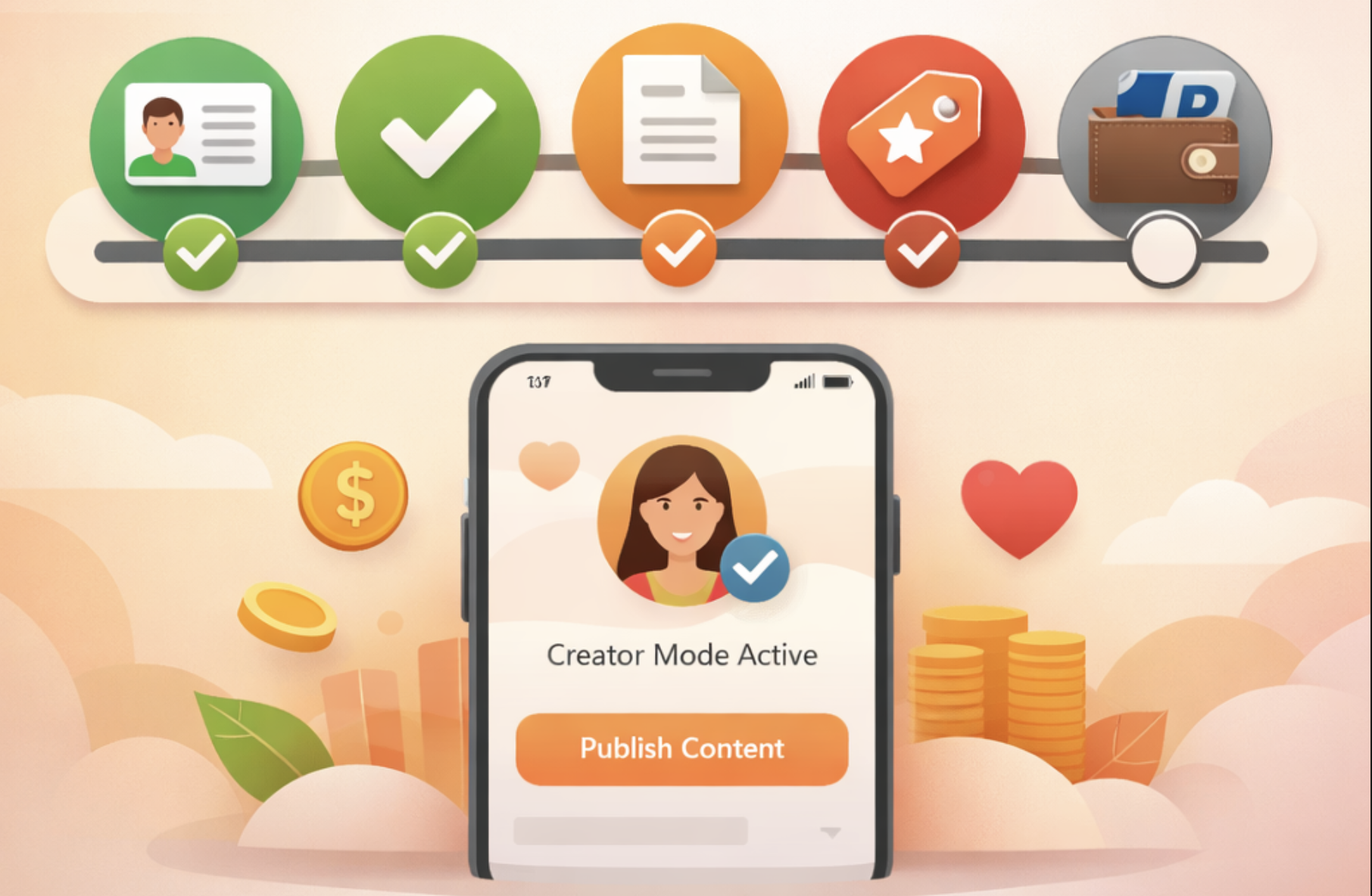
Dizzy is a platform that enables content creators to build their communities and generate revenue through subscriptions. Becoming a creator requires completing an account verification process and configuring subscription and payment settings. The entire process is structured step by step and guided through a clear workflow, with progression managed via the “Next” button at each stage.
Creator Application Workflow
Access the “Become a Creator” Section
After signing in to your account, initiate the application by selecting “Become a Creator” from the main menu. The application flow is clearly presented and follows this sequence:
Certificate → Verification → Terms → Fees → Payment
Each step must be completed in order to proceed.
Certificate (Account Verification)
This step is used to verify your identity. You are required to upload the following two files:
-
A scanned copy or photo of your identity card
-
A photo of you holding your identity card along with a sign that includes “Dizzy”, your username, and the current date
Once all required files are uploaded, submit your application by clicking “Next.”
Verification Review
After submission, your application enters the review stage. During this period, a “request pending” status message is displayed. When the review is completed, you will receive a notification. Upon approval, you may continue to the next step.
Terms and Conditions
Following approval, the platform’s creator terms are presented for review. These terms outline important details such as:
-
Content visibility settings (available to all users or fans only)
-
Display of the creator badge and verification mark on your profile
After reviewing the terms, you must accept them in order to proceed.
Fees (Subscription Plans)
In this step, you define the subscription pricing for users who wish to access your content. Subscription plans can be configured as weekly, monthly, or yearly.
Key details include:
-
Subscriptions are automatically renewed at the end of each billing period
-
Each plan can be enabled or disabled independently
-
Price changes do not apply retroactively to existing subscribers
-
Subscriptions are canceled in cases of mutual blocking
-
Depending on platform configuration, pricing may be managed using a currency-based system or a points system
After selecting and configuring your plans, click “Next” to save your settings.
Payment Methods
To receive your earnings, you must set a default payment method. The available options are:
-
PayPal (email address entered twice for confirmation)
-
Bank transfer (bank account details)
Your default payment method can be updated at any time.
Activation and Content Publishing
Once all steps are successfully completed, your account is activated as a content creator. Your profile will display the creator badge and verification mark, allowing you to publish content, generate subscription-based revenue, and grow your community on Dizzy.

Comments